How to integrate your Google Calendar events
A guide on how to integrate your Google Calendar into The Shop Calendar.
Go to your Google Calendar
If you have multiple Google accounts, make sure you are on the correct calendar. Use the following link to take you to the main calendar page: https://calendar.google.com/calendar/b/0/r/month
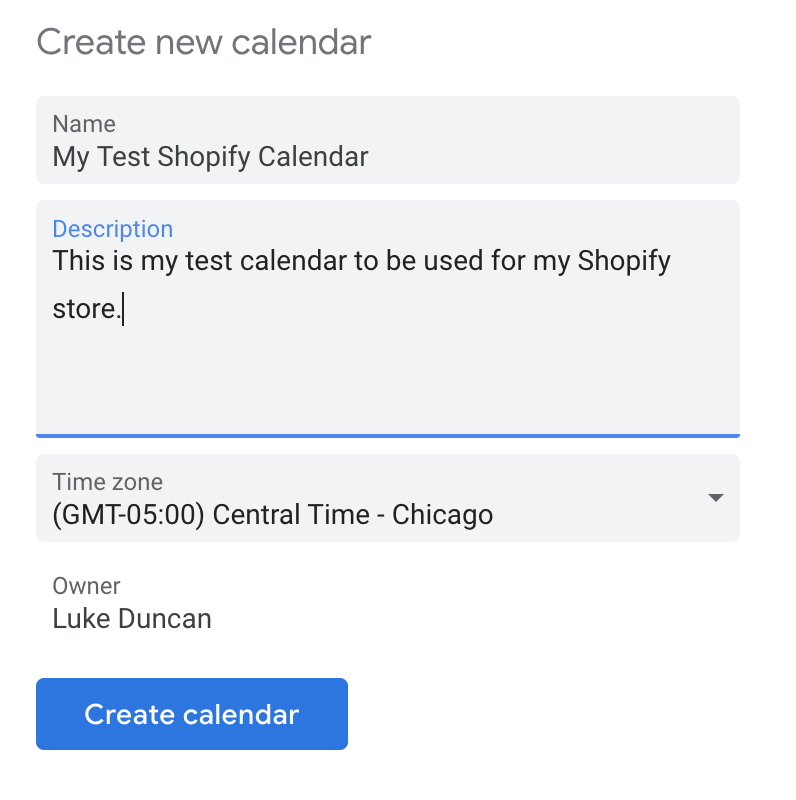
Create your new calendar within your account
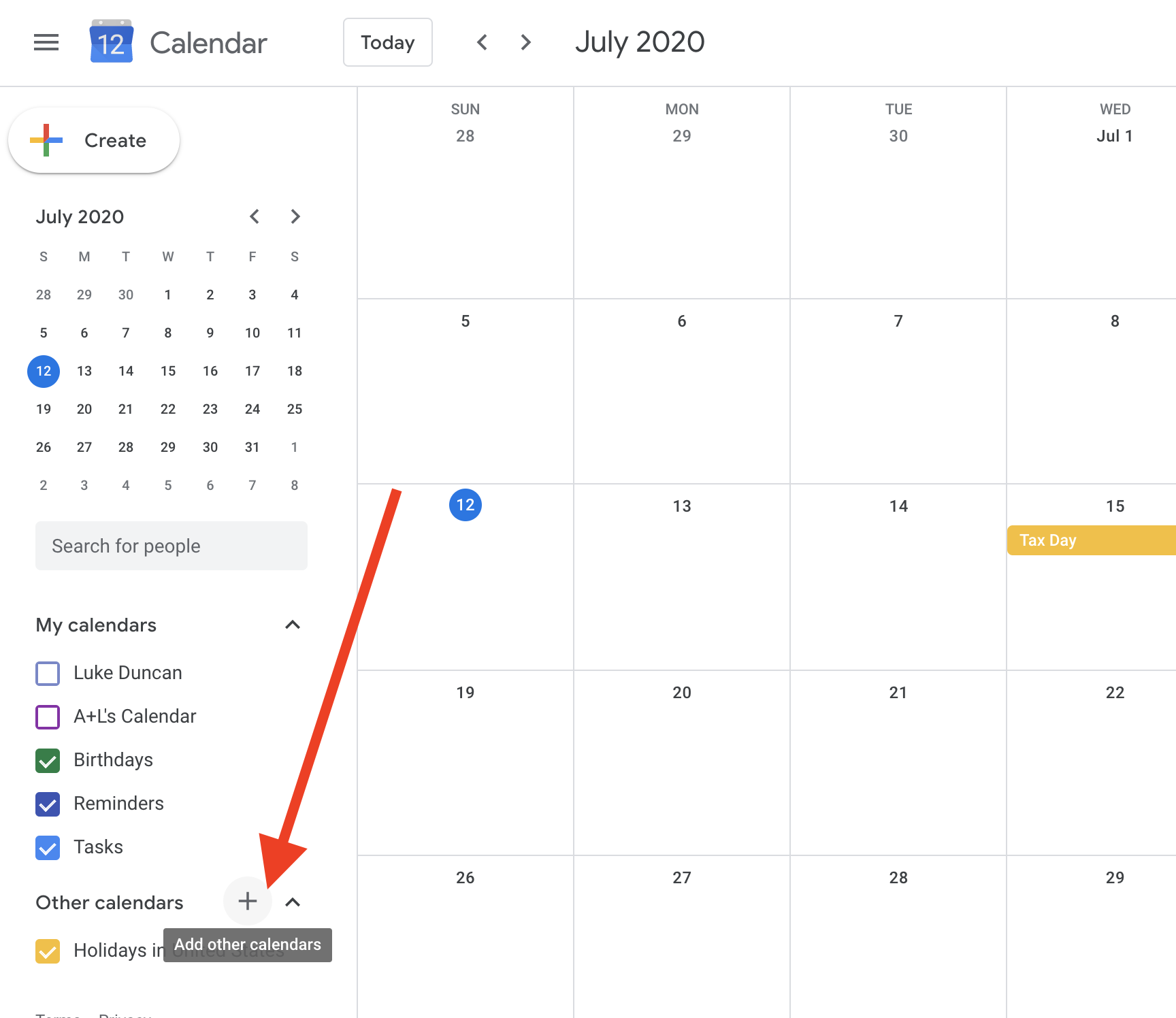
To create a new calendar, please see the screenshot below and create a new calendar under the Google account you would like.
Make your calendar public
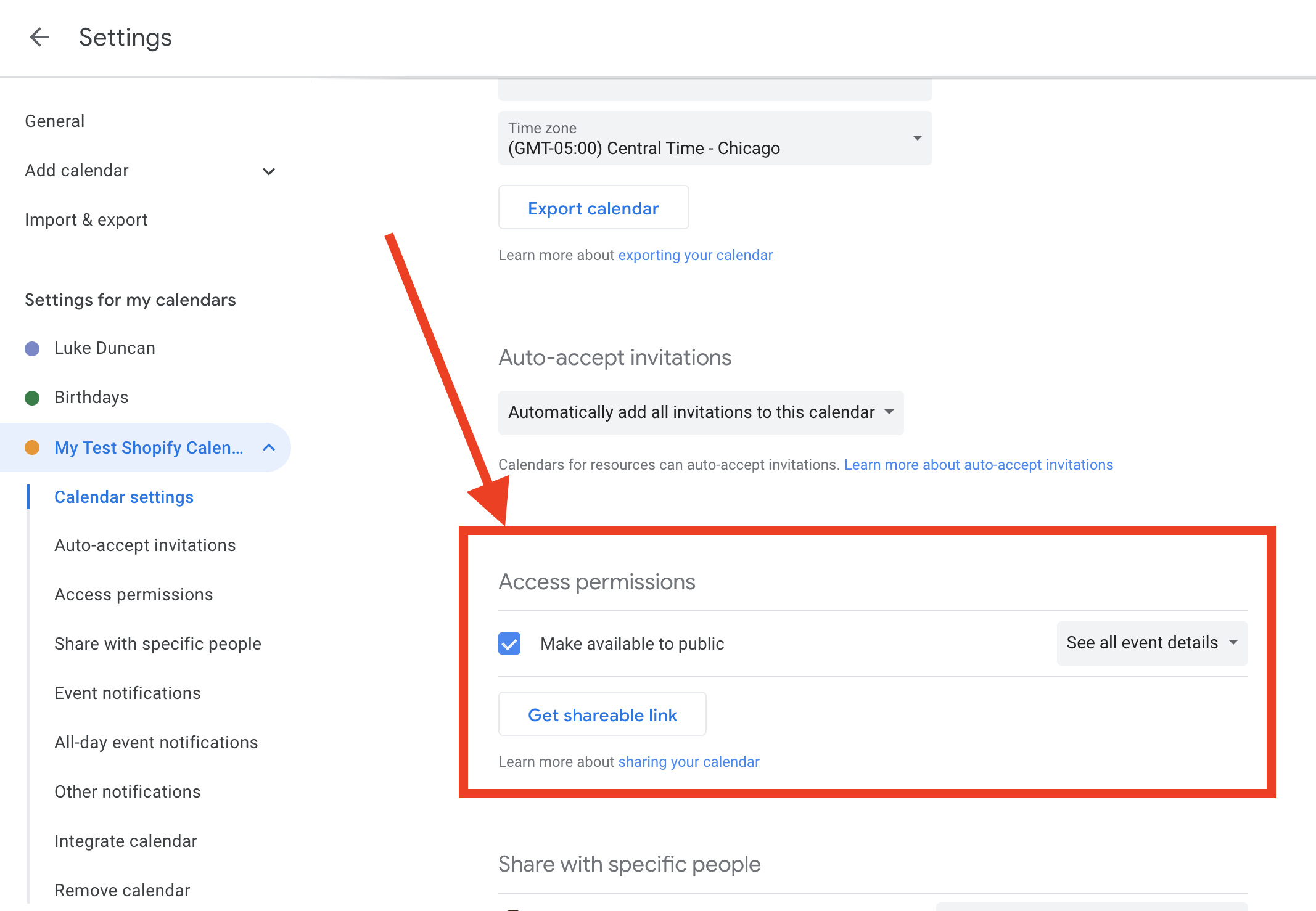
In order for your events to work, your calendar must be public. If it is not public, we will not be able to pull your events. Go to your individual calendar settings, and scroll down a little. Click the select box on "Make available to public".
Copy the public address in iCal format link and paste into The Shop Calendar
In the same settings page where you made the calendar public. The next step is to take the public address in iCal format link, and copy it into The Shop Calendar here.

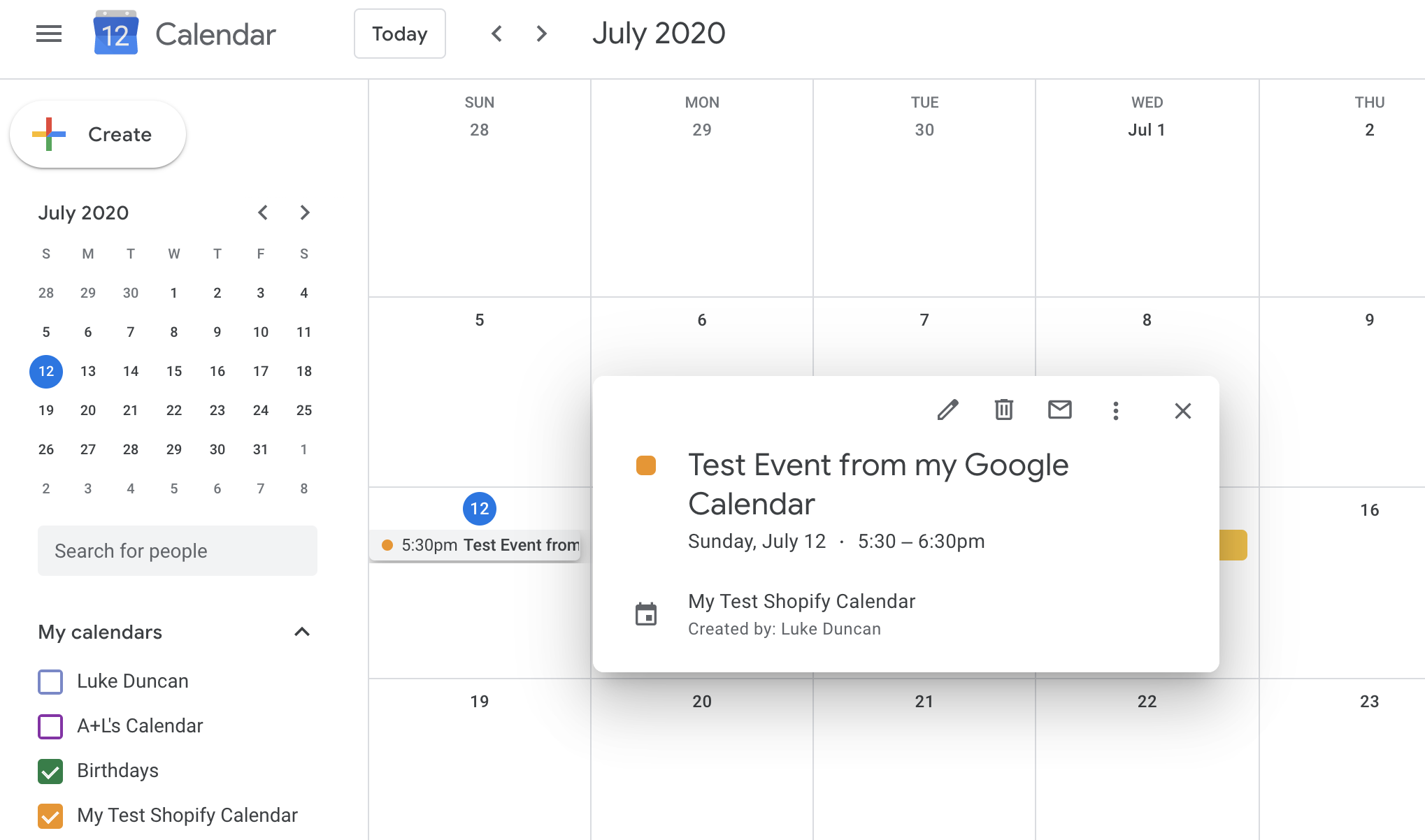
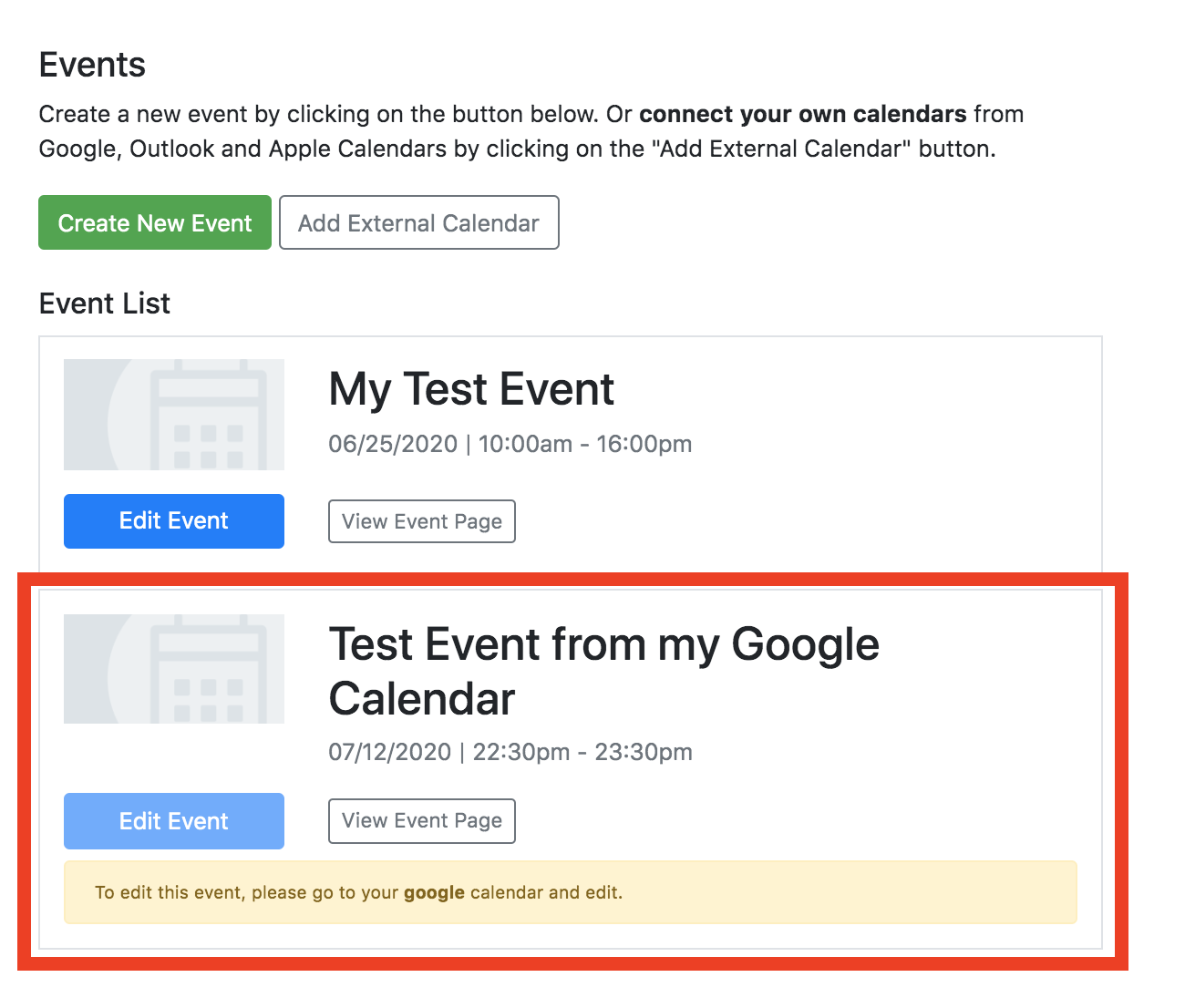
All done! Events from your Google Calendar will appear in The Shop Calendar
A few notes. You will not be able to edit events within The Shop Calendar if it is has been integrated from Google. You will need to go back to your Google Calendar and edit.
We check every 5 minutes for updates from each of your integrations to make sure we have updated your events correctly (both additions and deletions).